
Dynamic Lead Forms
Workflows
Run follow-up actions automatically on every form submission and website visitor
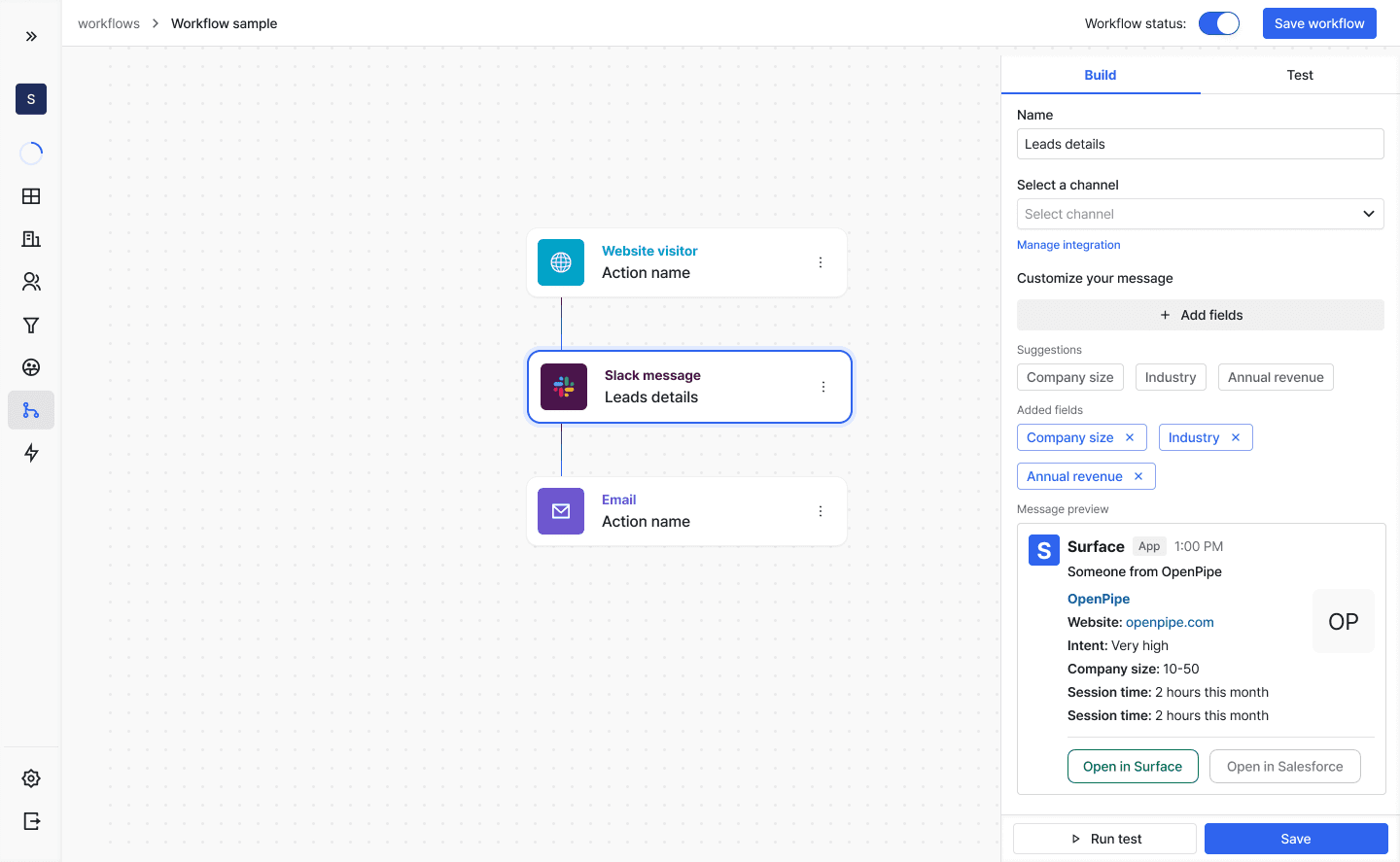
Workflows run actions automatically when someone interacts with a form or visits your site.
Workflow Triggers
A workflow can be triggered at any of these stages:
- Complete Form Submission
- In Progress
- Dropped Off
- Anonymous Website Visitor
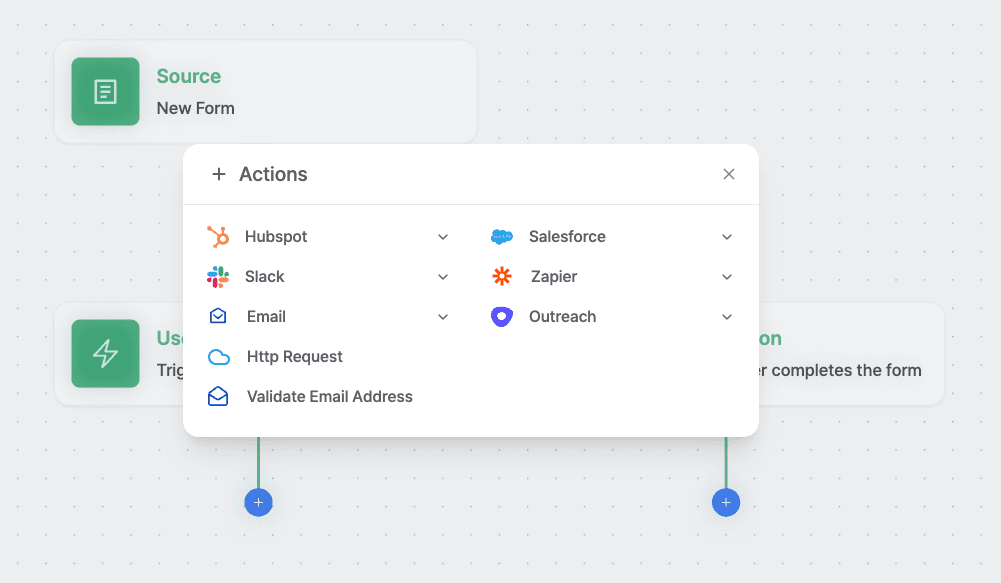
Available Actions
Connect your forms to other platforms and services:
Creating a Workflow
- Click "Create workflow" button
- Select "Surface forms" as the source
- Choose your specific form
- Select trigger event:
- Form Submission
- In Progress (Step0)
- User Dropped Off
- Add desired actions
- Configure action settings
- Activate workflow
Ready to Get Started?
See it on your own site, or open the app and build the first form.